
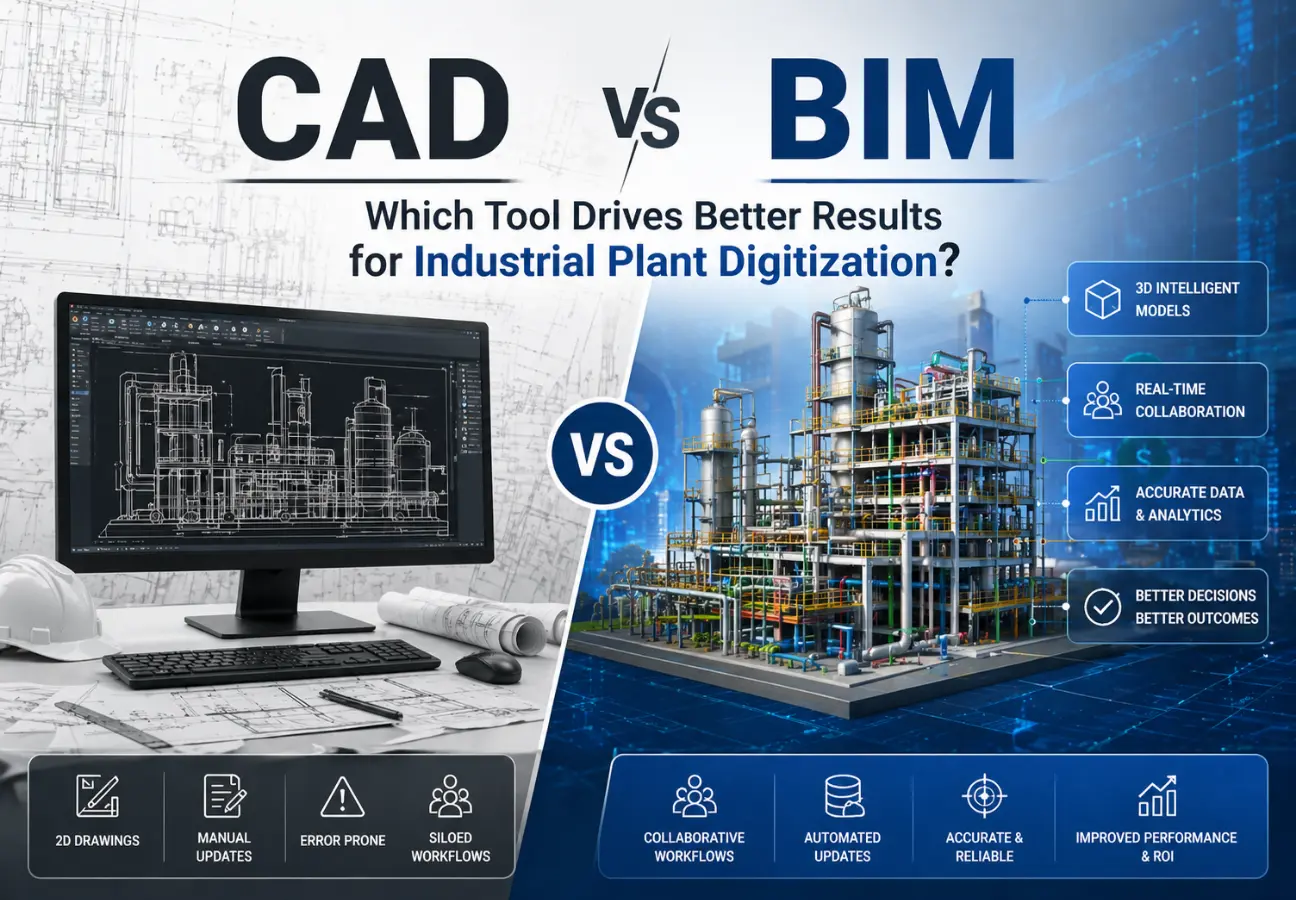
CAD vs BIM for Industrial Projects: Which Tool Drives Better Results for Industrial Plant Digitization?
Quick Answer:
CAD is best for precise design and cost-effective drafting, while BIM is better for industrial plant digitization because it enables data integration, collaboration, and lifecycle management.
In today's rapidly evolving industrial landscape, industrial plant digitization is no longer a luxury—it's a necessity for staying competitive. As industries adopt smarter technologies to improve efficiency, reduce downtime, and optimize operations, choosing the right engineering tool becomes critical.
Two of the most widely used technologies—CAD (Computer-Aided Design) and BIM (Building Information Modeling)—play a central role in this transformation. While CAD has long been the foundation of engineering design, BIM is emerging as a powerful solution for data-driven, collaborative, and lifecycle-based project execution.
So, which one truly delivers better results for industrial plant digitization?
This comprehensive guide provides a complete comparison, helping plant managers and industrial decision-makers choose the right approach for their specific needs.
What Is Industrial Plant Digitization?
Industrial plant digitization is the process of converting physical assets, systems, and workflows into digital formats to improve monitoring, efficiency, and decision-making. It's a strategic transformation that enables plants to leverage data, automate processes, and optimize operations.
Key Components of Plant Digitization
Result: Digitization helps industries achieve higher productivity, lower costs, and better operational control.
Role of CAD in Industrial Plant Digitization
Computer-Aided Design (CAD) is the traditional backbone of engineering design. It has been the industry standard for decades, enabling engineers to create precise technical drawings and 3D models efficiently.
Key Capabilities of CAD
When CAD Works Best
Advantages of CAD
Limitations of CAD
Key Insight: CAD is reliable for design—but limited for full-scale digitization.
Role of BIM in Industrial Plant Digitization
Building Information Modeling (BIM) goes beyond traditional design by combining data, procedures, and lifecycle management. BIM creates intelligent 3D models that serve as a comprehensive information database throughout a project's entire lifecycle.
Key Capabilities of BIM
When BIM Works Best
Advantages of BIM
Industry Insight: Studies show BIM can reduce project rework by up to 40%, significantly improving efficiency and reducing costs.
Challenges of BIM
CAD vs BIM: Key Differences
Data Integration
CAD: Focuses primarily on geometry and design visualization
BIM: Integrates comprehensive design data with project and operational information
Winner: BIM enables smarter planning and analytics
Collaboration
CAD: Limited real-time collaboration between teams
BIM: Enables seamless multi-team collaboration in real-time
Winner: BIM improves coordination across departments
Lifecycle Management
CAD: Primarily focused on design phase only
BIM: Covers design, construction, and operational phases
Winner: BIM supports long-term plant performance
Cost and ROI
CAD: Lower upfront cost, moderate ROI
BIM: Higher initial cost but significantly better long-term ROI
Winner: BIM for long-term value creation
Key Takeaway: For industrial plant digitization, CAD delivers precision and affordability, while BIM provides intelligence, collaboration, and lifecycle value. The best choice depends on your project scope and digital maturity.
When to Choose CAD
Choose CAD if your project involves:
Bottom Line: CAD is ideal for speed, simplicity, and cost efficiency.
When to Choose BIM
Choose BIM if your project involves:
Bottom Line: BIM is ideal for advanced digitization and scalability.
Hybrid Approach: Best of Both Worlds
Many industrial companies combine CAD and BIM to maximize efficiency and get the best of both approaches.
How the Hybrid Approach Works
CAD Role
Use CAD for detailed drafting and precise technical drawings
BIM Role
Use BIM for integration and lifecycle management
Benefits of Hybrid Strategy
Industry Trend: This hybrid approach is becoming the industry standard for plant digitization.
CAD vs BIM Comparison Table
| Feature | CAD | BIM |
|---|---|---|
| Primary Function | Technical drafting & design | Intelligent data modeling |
| Data Integration | Limited | Advanced & comprehensive |
| Collaboration | Low (manual processes) | High (real-time sharing) |
| Lifecycle Support | Design phase only | Full lifecycle coverage |
| Cost | Lower upfront | Higher initial (better ROI) |
| Implementation Time | Quick | Longer (requires training) |
| Best For | Small/medium projects | Large complex projects |
Real-World Use Case: Hybrid CAD + BIM Strategy
A manufacturing company implemented a hybrid CAD + BIM strategy for their plant digitization initiative:
Implementation Strategy
Results Achieved
FAQ: CAD vs BIM for Industrial Projects
Final Review
CAD and BIM both play essential roles in industrial plant digitization. CAD provides precise and cost-effective design capabilities, while BIM enables data-driven decision-making, collaboration, and lifecycle management.
Key Takeaway: For most industrial projects, a hybrid approach offers the best balance between efficiency and innovation, allowing you to leverage the strengths of both technologies.
Conclusion
Choosing between CAD and BIM is a strategic decision that directly impacts your industrial plant digitization success.
Bottom Line: For complex industrial projects, BIM delivers better long-term results, while CAD remains ideal for smaller and straightforward applications. By making the right choice based on your specific needs, you can achieve higher efficiency, reduced risks, and better operational outcomes.
Ready to Digitize Your Industrial Plant?
Partner with HaddyGroup to implement the right digital strategy—whether CAD, BIM, or a hybrid approach—and transform your plant operations.
Get In Touch